MAU'S KITCHEN
MAU'S Kitchen is a home kitchen in Depok selling sate taichan, drinks, and ChocoBerry desserts. The site holds the menu, the cart, and the ordering information in one place.
Visit the live site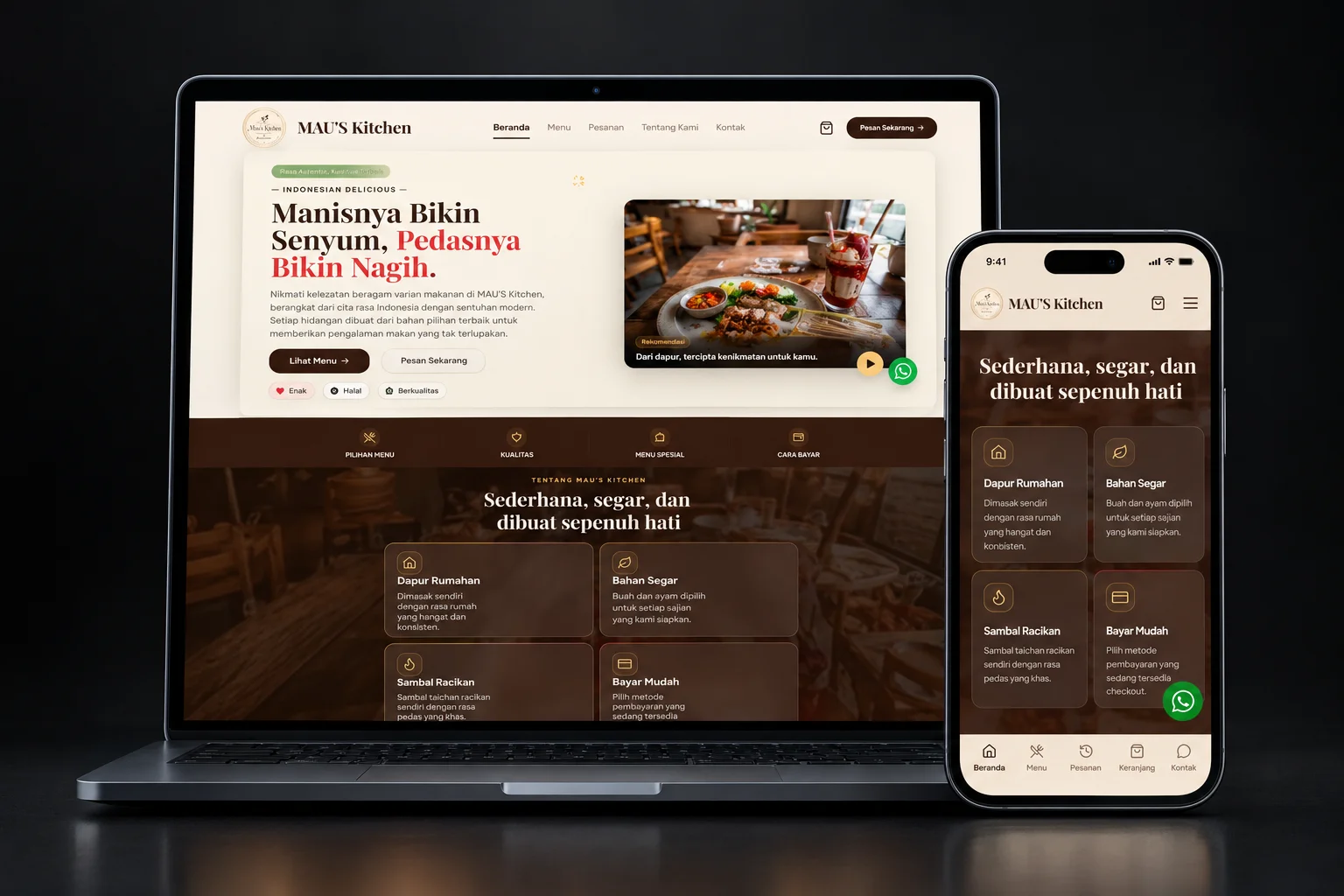
- Client
- MAU'S Kitchen (Rumahan, Depok)
- Scope
- Food & Beverage Website
- Year
- 2026
- Project
- Live site
Customers needed to read the menu first
Taichan, drinks, and desserts carry different options and prices, so a customer has to see all of it before choosing a meal.
The site is where customers pick a menu item and fill in an order. WhatsApp stays open for questions, confirmation of opening hours, and delivery details with the kitchen admin.
The menu comes first, and the conversation with the kitchen handles the rest
The desktop homepage in cream and brown: opening title, menu actions, and food photography with kitchen information.
A home kitchen's menu, laid out plainly
The cream, brown, and gold palette keeps the brand's warm tone. Inside it, categories, prices, and add buttons let a customer build an order without losing sight of the menu.
Three categories, readable at a glance
Taichan, Minuman, and ChocoBerry are separated into category choices. Each menu card shows the name, the price, and the add button.
A cart that keeps the choices in order
The ordering flow handles quantity, portion, toppings, and notes per item. Customers fill in their details before the confirmation step.
Contact stays next to the menu
The WhatsApp link sits with the Menu, Orders, Cart, and Contact navigation. Opening hours and delivery questions go to the admin instead of being promised automatically.
- 01
Browse and choose
Open the catalog, search, or pick a category: Taichan, Minuman, or ChocoBerry. Names and prices are visible before an item is added.
- 02
Build the cart
Add items, then set the quantity and the options each menu offers. Order notes are written at this step.
- 03
Fill in the customer details
Enter a name and a WhatsApp number, then choose delivery or self pickup. The flow described on the site does not require an account.
- 04
Follow the confirmation
Place the order and follow the payment or status instructions shown. For delivery, the admin confirms the courier and the shipping cost before payment.
This screen shows the Dapur Rumahan, Bahan Segar, Sambal Racikan, and Bayar Mudah cards on a brown background. The WhatsApp button and the Beranda, Menu, Pesanan, Keranjang, and Kontak navigation sit at the bottom.
What it can do now.
A menu in groups
Taichan, Minuman, and ChocoBerry appear as category choices in the public catalog.
Choices become an order
The site collects items in a cart before the customer fills in their details and follows the confirmation step.
A direct line to the kitchen
A chat link is available for menu questions, opening hours, and coordinating an order with the admin.
The points above describe the implemented scope visible in the screenshots and the public pages, not measured sales or conversion. We read the checkout flow from the site itself; real payments and orders were not tested.
The site gives the MAU'S Kitchen menu a clear place to be read and chosen. Talking with the kitchen is still part of ordering, especially when a customer needs confirmation.
Behind the build.
Scope of work
- Responsive layout in a cream, brown, and gold palette
- Menu catalog with search and category choices
- Cart with quantity, menu options, and order notes
- Customer details flow with delivery or self pickup
- Order, contact, and WhatsApp navigation
- Restaurant JSON-LD structured data, per the project notes
Technology
- Next.js
- Tailwind CSS
- WhatsApp Deep Link
- JSON-LD Restaurant Schema
Next.js and Tailwind CSS build the pages and the responsive layout. The WhatsApp link keeps a direct line to the kitchen, and the Restaurant JSON-LD describes the business for search engines without promising a search ranking.
maukitchen.my.idTell us about it. We start from the need.
Jakarta Scooter Shop
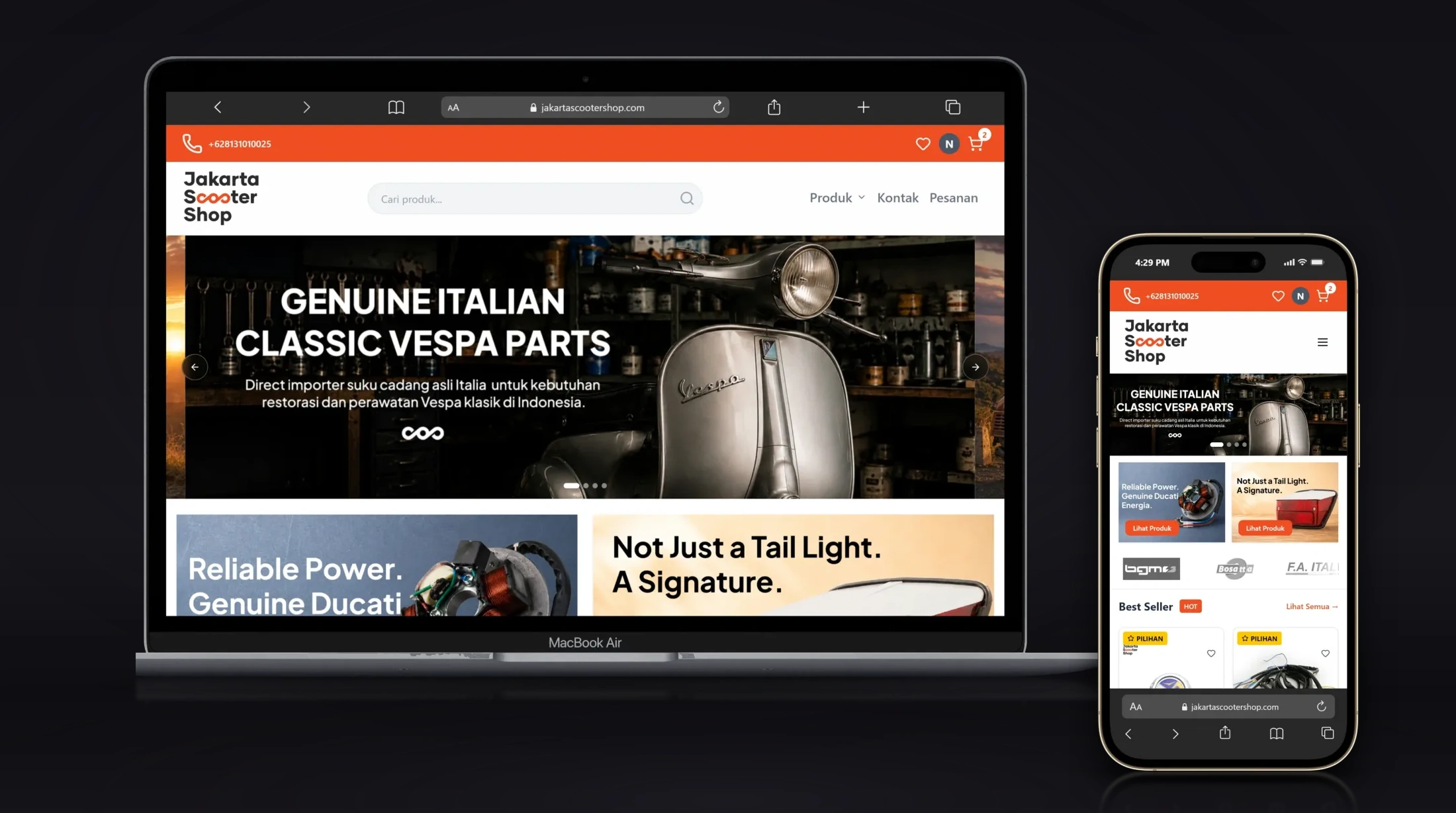
Jakarta Scooter Shop sells Vespa parts through a desktop and mobile storefront. The project connects that storefront to the stock, shipping, and payment systems named in its scope.
HMTI UBSI Margonda
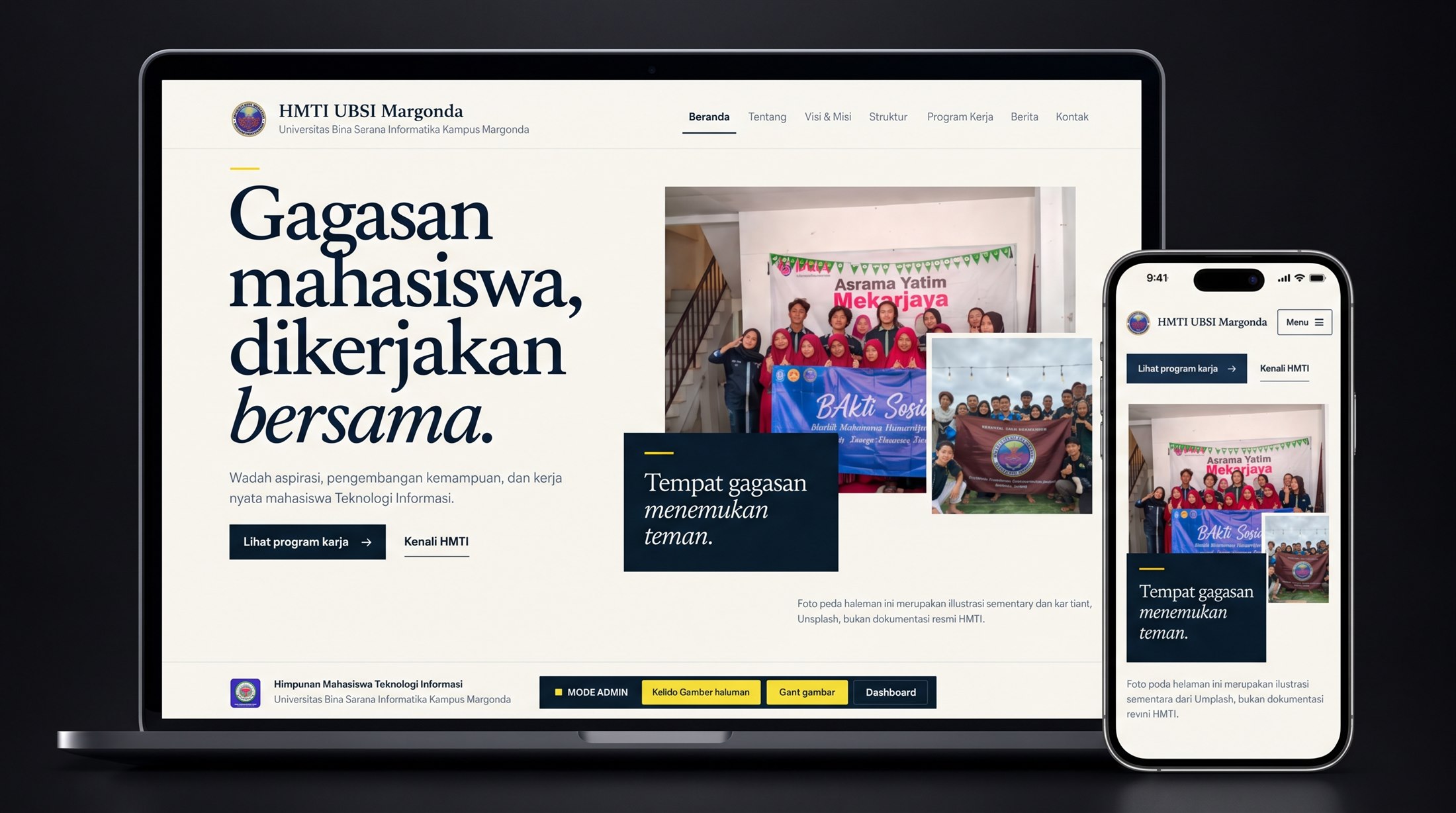
HMTI UBSI Margonda is the Information Technology student association at Universitas Bina Sarana Informatika's Margonda campus, founded on 2 February 2020. This is their official website: identity, structure, work programs, and publications in one structured home.